Learning how to write better AI prompts matters more than which AI tool you use — the same vague prompt produces mediocre output in ClickUp Brain, Jasper, or Notion AI alike. This guide covers the handful of habits that make the biggest difference.
Table of Contents
Be Specific About the Output You Want
“Write a blog intro” produces something generic. “Write a 100-word blog intro for freelancers comparing task management tools, in a direct, no-fluff tone” produces something usable. Name the format, length, audience, and tone every time — AI tools don’t infer these unless you state them.
The quickest way to get specific is to name four things in every prompt: the format, the length, the reader, and the purpose. Most weak prompts leave all four blank, and the model fills the gaps with the safest average of everything it has been trained on — which is exactly why the output reads like nobody in particular wrote it.
| Vague prompt | Specific version |
|---|---|
| Write a blog intro | Write a 100-word intro for a post comparing two email tools, aimed at freelancers who have never paid for one, ending with what the post will help them decide |
| Summarize this | Summarize this in five bullet points a client could read in 30 seconds, keeping every number and date |
| Make this better | Cut this from 300 to 180 words, keep the two examples, remove the adjectives |
Purpose does more work than people expect. A summary written “for my own notes” and a summary written “to send to a client who has not seen the project” come out genuinely different, because the second one keeps context the first one strips away.
Give the AI a Real Example to Match
Pasting one paragraph of your own writing and asking the AI to “match this style” consistently outperforms describing your style in adjectives. Tools with brand voice features (like Jasper) formalize this, but the same trick works in any AI chat by simply including a sample.
One example is usually enough. Two or three help when your tone shifts between contexts — a casual newsletter versus a formal proposal, for instance. Beyond that you get diminishing returns and a much longer prompt.
If you have nothing of your own to paste, describe the style by pointing at something you both know: the way a hands-on review reads, or the way a plain technical how-to reads. Naming a recognizable style is far more useful than adjectives like “professional” or “engaging”, which mean almost nothing to a model. Structure works the same way — paste the shape of the document you want, even as a bare outline, and the AI will follow it instead of inventing its own.
Break Big Tasks Into Smaller Prompts
Asking for a full 2,000-word article in one prompt usually produces something shallow and repetitive. Asking for an outline first, then one section at a time, produces better structure and lets you course-correct before the whole piece is written the wrong way.
Here is what splitting up actually looks like for a 1,500-word article. Four short prompts instead of one long one:
- Prompt 1: the outline only — headings and one line on what each section covers, no prose.
- Prompt 2: one section at a time, pasting the outline back in each time so the AI knows what comes before and after.
- Prompt 3: the introduction, written last, once the article actually exists.
- Prompt 4: an edit pass with a specific instruction, such as cutting repetition between two named sections.
This takes a few more minutes than one big prompt and saves far more in rewriting. It also gives you a place to stop and change direction after the outline, before 1,500 words have been written in the wrong direction.
Tell It What to Avoid, Not Just What to Do
“Don’t use the phrase ‘in today’s fast-paced world'” or “avoid generic marketing language” removes entire categories of bad output that positive instructions alone rarely fix. Negative constraints are underused but often more effective than adding more positive detail.
It helps to keep a short list of standing constraints and paste it into every prompt. Ours looks roughly like this:
- No opening lines about how fast the world is moving.
- No sentence that starts by restating the question.
- No filler adjectives — say what the thing does instead.
- Short paragraphs, no more than three sentences.
- Say “I do not know” rather than inventing a number.
Negative instructions are blunt but effective, because a banned phrase is something the model can check against directly, while “write well” is not.
Iterate on Output Instead of Starting Over
If the first draft is 70% right, ask for specific changes (“make paragraph two more concise, keep the rest”) rather than rewriting your original prompt from scratch. This is faster and usually produces a more coherent final result than repeated fresh attempts.
When you do give feedback, describe the problem rather than dictating the fix. “The second paragraph repeats the first” gets a better result than “rewrite the second paragraph”, because the AI can see what to solve. Starting over is only worth it when the draft is wrong at the structure level — wrong angle, wrong audience, wrong argument. Wording problems are almost always cheaper to fix than to regenerate.
Always Verify Facts and Numbers
AI writing tools can state incorrect prices, dates, or statistics with complete confidence. Treat any factual claim in AI output as unverified until you’ve checked it yourself — this matters most for anything published publicly or sent to a client. For more on avoiding this and other pitfalls, see our guide on common mistakes when using AI productivity tools.
- Does every number, price, and date appear in a source you can open?
- Are the tool features described the ones that exist today, not the ones that existed two years ago?
- Does every quote or statistic have a name attached to it that you can check?
- Would you be comfortable if a reader emailed to ask where a claim came from?
A Prompt Template You Can Reuse
Most of the habits above collapse into one reusable shape. Fill in the parts that matter for the task and delete the rest:
- Role: who the AI is writing as, if it changes the answer.
- Context: what the reader already knows and what they are trying to decide.
- Task: the single thing you want done, stated as one verb.
- Format: length, structure, and where the output is going.
- Constraints: the standing “do not do this” list.
- Example: a paragraph of your own writing to match.
Filled in, that might read: write a 150-word product description for a task manager, for a small business owner who has only ever used spreadsheets, as three short paragraphs for a landing page, no marketing adjectives, in the style of the paragraph below. That prompt takes 30 seconds longer to write and usually saves two rounds of editing.
Prompting Works Differently Across Tools
The same principles apply everywhere, but built-in assistants and standalone writing tools behave differently in one important way: how much context they already have.
| Tool | What it already knows | What your prompt still needs |
|---|---|---|
| ClickUp Brain | Your tasks, docs, and project structure | The output format and who it is for |
| Notion AI | The page and database you are working in | Tone, length, and the goal of the text |
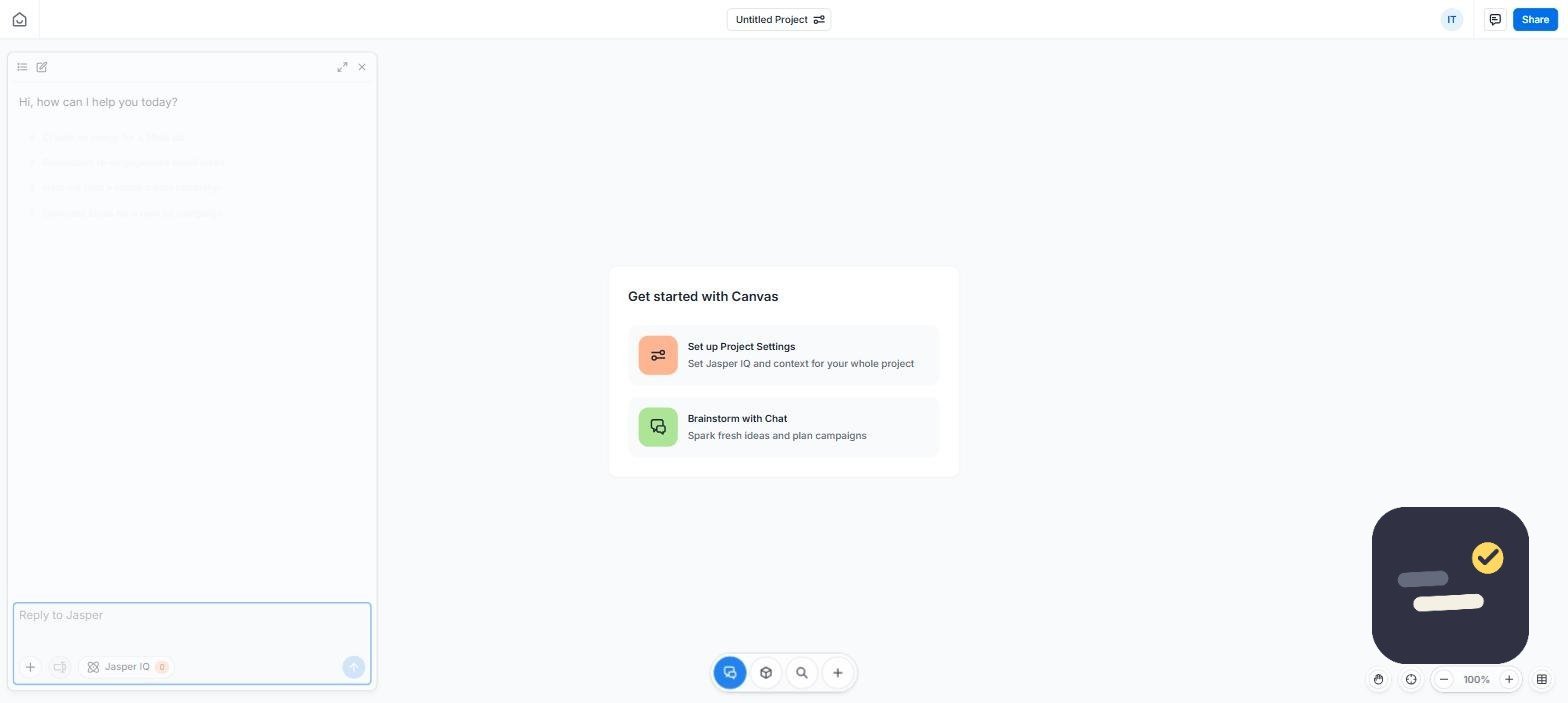
| Jasper | Brand voice, if you have set it up | Audience, angle, and a real example |
| Grammarly | The text in front of it | What kind of change you want, not just “improve” |
| General chat assistants | Nothing about your work | Everything — context, format, constraints, example |
In tools that sit inside your workspace, you can skip a lot of background and spend the prompt on format and audience instead. In a blank chat window, the background is the part you cannot skip. If you are choosing between assistants rather than prompts, our guide on how to choose the right productivity tool covers the decision itself.
Small Habits That Save the Most Time
- Save prompts that worked. A prompt you have refined three times is an asset, not a throwaway line.
- Write the prompt in a document, not the chat box — you will edit it more honestly.
- Ask for the outline before the draft, every time.
- Ask for the shorter version. Almost every AI draft survives a 30% cut.
- Read the first and last paragraph before anything else — that is where the filler collects.
None of this is complicated, and none of it depends on which assistant you pay for. The gap between people who get useful AI output and people who do not is almost never the tool — it is how much of the thinking was done before the prompt was sent.
For a deeper reference on prompt structure, the Prompt Engineering Guide covers more advanced techniques once these basics feel natural.
Frequently Asked Questions
What’s the single biggest improvement for AI prompts?
Specificity. Naming the exact format, length, audience, and tone you want removes most of the guesswork that leads to generic output.
Should I write long or short prompts?
As long as needed to be specific, but not padded. A focused three-sentence prompt with clear constraints usually beats a rambling paragraph.
Does prompt writing differ between AI tools?
The core principles are the same across ClickUp Brain, Jasper, Notion AI, and general chat tools. Tool-specific features like brand voice training can enhance results, but clear, specific prompting matters everywhere.