
The most common mistakes when using AI productivity tools aren’t about picking the wrong app — they’re about how people set them up and use them once installed. We see the same five patterns repeatedly across freelancers and small teams, and each one has a straightforward fix.
Table of Contents
Mistake 1: Configuring Every Feature on Day One
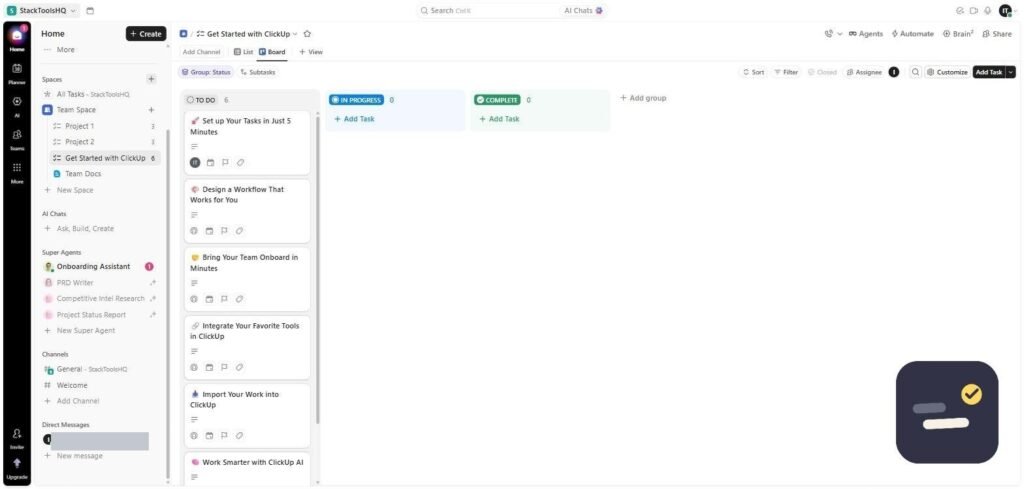
The single biggest reason teams abandon a new tool within a month isn’t a missing feature — it’s trying to set up every view, automation, and integration before anyone has used the basics. Set up one project, one workflow, one channel. Expand only once that’s running smoothly.
Mistake 2: Adopting a Tool Without a Specific Bottleneck
“We should be more productive” isn’t specific enough to act on. “We keep losing track of who’s working on what” is. Tools adopted to solve a named, specific problem get used; tools adopted because they seemed useful in a demo often don’t.
Mistake 3: Ignoring the Real Per-Seat Cost
A tool advertised at $7/month sounds cheap until it’s multiplied across ten team members, plus an AI add-on, plus a premium integration. Always calculate the realistic monthly total at your actual headcount before comparing two tools on sticker price alone.
Mistake 4: Trusting AI Output Without Checking It
AI writing and research tools sound confident even when they’re wrong. Treat AI-generated summaries, facts, and figures as a first draft to verify, not a finished answer — especially for anything client-facing or involving specific numbers, dates, or claims.
Mistake 5: Running Too Many Overlapping Tools
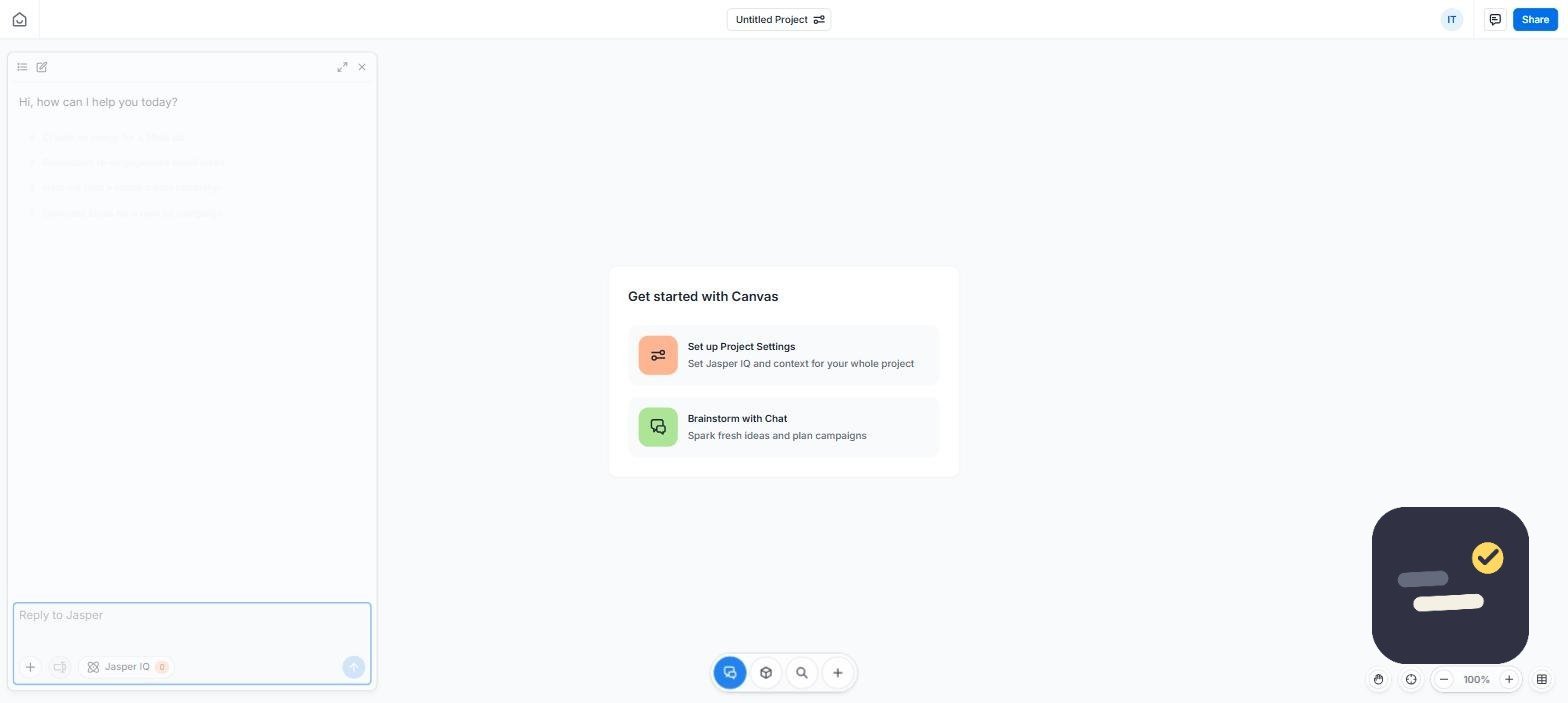
Each tool added without a distinct, clear job adds subscription cost and app-switching time without adding real output. Most freelancers and small teams do well with 2-4 tools total, each covering a genuinely separate function — not six tools that all kind of do the same thing.
How to Avoid Common Mistakes When Using AI Productivity Tools
Before adopting anything new, name your specific bottleneck, calculate the real cost at your team size, and commit to using it for one real project before judging it. For a fuller walkthrough of this process, see our how to choose the right productivity tool guide.
Frequently Asked Questions
Why do teams abandon new productivity tools?
Most commonly because they tried to configure every feature immediately instead of starting with one workflow and expanding gradually once it’s working.
Should I always trust AI-generated content?
No. Treat it as a first draft to verify, especially for specific facts, figures, or anything client-facing, since AI tools can sound confident while being factually wrong.
How many AI productivity tools should a small team use?
Usually 2-4, each covering a distinct function. Adding tools without a clear, separate job mostly adds cost and complexity without adding real output.
For a broader perspective on where teams typically lose time with new software in general, Capterra’s research on software adoption echoes the same pattern: tools fail less often because of the product, and more often because of how they were rolled out. Avoiding the common mistakes when using AI productivity tools covered above puts your team well ahead of that curve.

Written by Ivan T.
Founder of StackToolsHQ. Writes hands-on reviews and comparisons of productivity and AI tools for freelancers, small teams, and remote workers. More about this site.