
The best AI tools for freelancers in 2026 aren’t the ones with the longest feature list — they’re the ones that remove a specific bottleneck from your week. We tested and researched the tools freelancers actually pay for (not just try once), organized by what they solve. If you only read one section, make it the picks below — they are the best AI tools for freelancers we could find at each price point.
This post contains affiliate links — if you sign up through them, we may earn a commission at no extra cost to you. See our Affiliate Disclosure and Methodology for details.
Table of Contents
1. ClickUp — Best for Task & Client Management
If you’re juggling multiple clients and deadlines, ClickUp keeps every project, task, and deadline in one free workspace. ClickUp Brain (its AI) is included on paid plans at no extra cost, and can summarize threads or draft task updates.
Pricing: Free forever, paid plans from $7/user/month.
Read more: Our full ClickUp review
2. Notion AI — Best for Docs & Knowledge Management
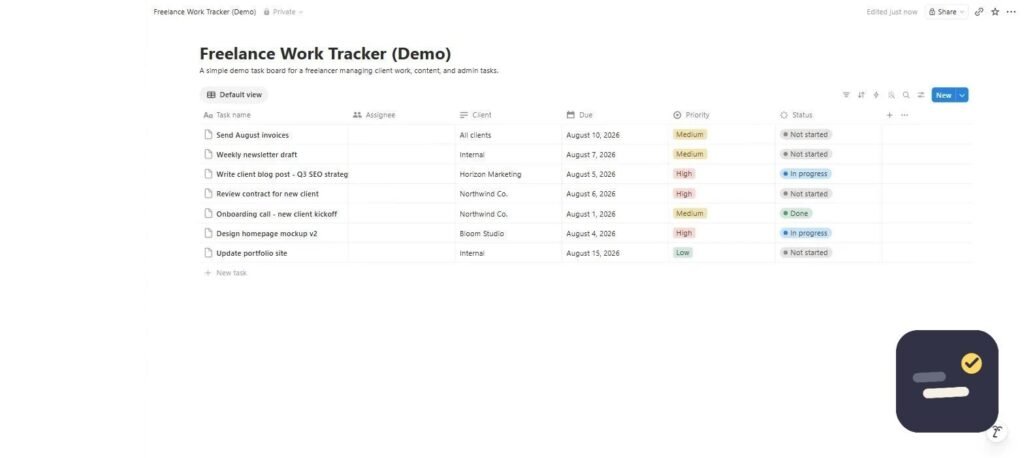
Notion AI is built into the editor you’re already writing in — it can draft, summarize, translate, and answer questions across your entire workspace. It’s the strongest pick if your work is documentation-heavy: proposals, wikis, research notes. If you want the full setup, here is how I organize my work in Notion, step by step.
Pricing: Free for individuals; AI features add $10/user/month on paid plans. See our ClickUp vs Notion comparison if you’re deciding between the two.
3. Grammarly — Best for Writing & Editing
Grammarly checks grammar, tone, and clarity across 500,000+ apps, not just a single editor. For freelancers, that means your client emails, proposals, and deliverables all get the same polish without extra tabs open.
Pricing: Free tier is genuinely usable; Pro is $12/month (billed annually).
4. Jasper — Best for Marketing Content at Scale
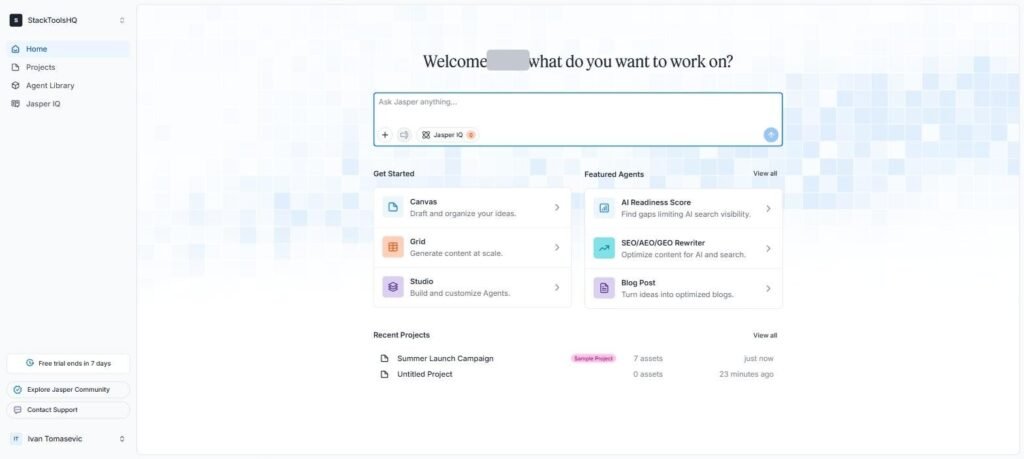
Jasper is built specifically for marketing content — blog posts, ad copy, social captions — with brand voice training so output matches a client’s tone consistently. It’s overkill for a solo writer doing occasional posts, but pays for itself once you’re producing 15+ pieces a month across clients.
Pricing: From $39-49/month (Creator), $59/month (Pro, annual billing). No free plan, but there’s a trial.
5. Canva — Best for Design Without a Designer
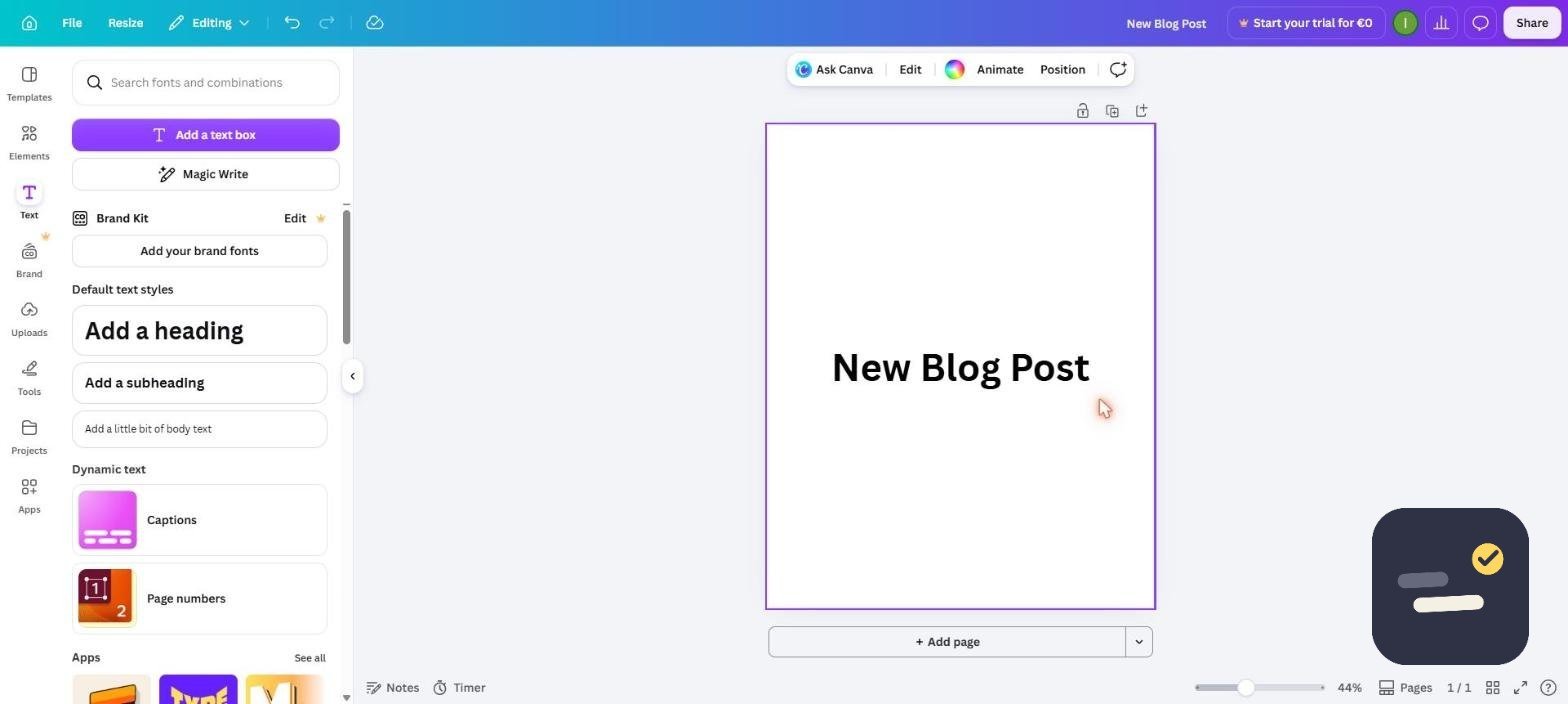
Canva’s AI features generate first-draft designs, remove backgrounds, and adapt brand assets across formats. For freelancers who need social graphics, presentations, or client-facing decks but don’t have a design background, it’s the fastest path from blank page to finished asset.
Pricing: Robust free plan; Pro is $18/month with 100GB storage.
6. Zapier — Best for Automating Busywork
Zapier connects over 8,000 apps so client onboarding, invoice reminders, and lead capture happen automatically instead of manually. If you’re still copy-pasting data between two tools every week, a single Zap probably pays for the subscription in time saved alone.
Pricing: Free for 100 tasks/month; paid plans start around $19.99-29.99/month (billed annually) for 750 tasks and multi-step Zaps.
How to Pick the Best AI Tools for Freelancers
Don’t install all six. Pick one tool per real bottleneck: a task manager (ClickUp), a docs tool if you need one separately (Notion), a writing checker (Grammarly), and an automation tool once you notice yourself doing the same manual step weekly (Zapier). Add Jasper or Canva only if content or design volume justifies the cost. Run each pick through two or three real projects before committing to an annual plan.
Frequently Asked Questions
What are the best free AI tools for freelancers?
ClickUp, Notion, Grammarly, and Canva all have genuinely usable free plans — none of them are just time-limited trials.
How many AI tools should a freelancer actually use?
Start with one tool per real bottleneck — usually 2-3 tools total. Adding more than that without a clear, distinct use case for each just adds subscription cost without adding output.
Which AI tool gives freelancers the best return for the price?
ClickUp and Grammarly have the strongest free tiers relative to what they unlock, making them the easiest first picks before paying for anything.
Whichever combination you land on, revisit your stack every quarter — the best AI tools for freelancers in 2026 are still evolving fast, and a tool that was overkill six months ago may now be worth the upgrade.

Written by Ivan T.
Founder of StackToolsHQ. Writes hands-on reviews and comparisons of productivity and AI tools for freelancers, small teams, and remote workers. More about this site.