
The best productivity apps for remote teams in 2026 solve one specific problem: keeping people aligned when nobody shares a physical office. We picked five tools by the exact job each one does, with honest pricing so you can build a stack without overpaying.
This post contains affiliate links — if you sign up through them, we may earn a commission at no extra cost to you. See our Affiliate Disclosure and Methodology for details.
Table of Contents
1. ClickUp — Best for Task Management
Remote teams lose the most time to “what’s everyone working on” confusion. ClickUp solves this with shared task lists, Gantt views, and workload management visible to everyone, in every time zone, without a status-update meeting.
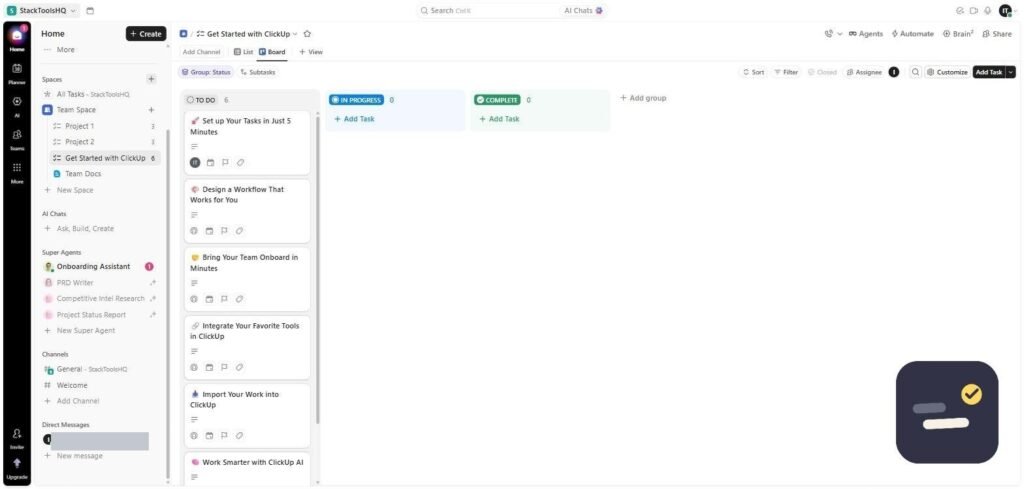
Pricing: Free forever (unlimited members), paid plans from $7/user/month. Read our full ClickUp review.
2. Slack — Best for Real-Time Communication
Email is too slow for remote coordination and video calls don’t scale to every small question. Slack’s channels and threads keep async conversation organized without burying decisions in a 40-person inbox.
Pricing: Free plan available (90-day message history limit); Pro is $7.25/user/month, Business+ is $15/user/month (annual).
3. Notion — Best for Shared Docs & Wikis
Remote teams need one source of truth for onboarding docs, meeting notes, and decisions — otherwise knowledge lives in someone’s head or a dead Slack thread. Notion’s databases and pages give every team a searchable, linked wiki.
Pricing: Free for individuals; Plus is $10/user/month, Business is $18/user/month (annual).
4. Zapier — Best for Connecting Your Tools
Remote stacks tend to sprawl — a task tool, a chat tool, a docs tool, a CRM — and nobody wants to manually copy data between them. Zapier connects 8,000+ apps so updates in one tool automatically show up in another.
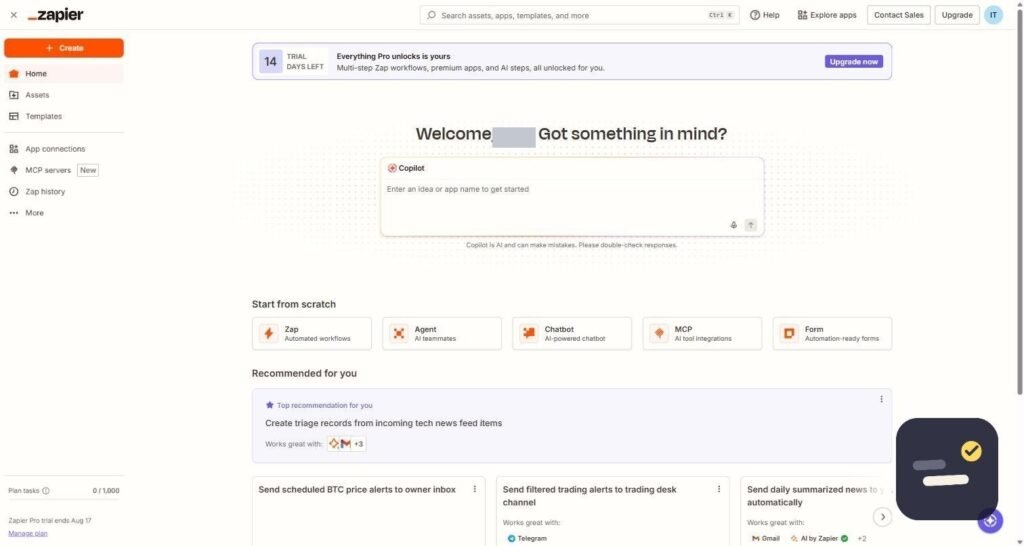
Pricing: Free for 100 tasks/month; paid plans from roughly $19.99-29.99/month (annual).
5. Grammarly — Best for Consistent Written Communication
When a team communicates almost entirely in writing, tone and clarity carry the weight that body language would in person. Grammarly checks grammar and tone across every app your team writes in, not just one editor.
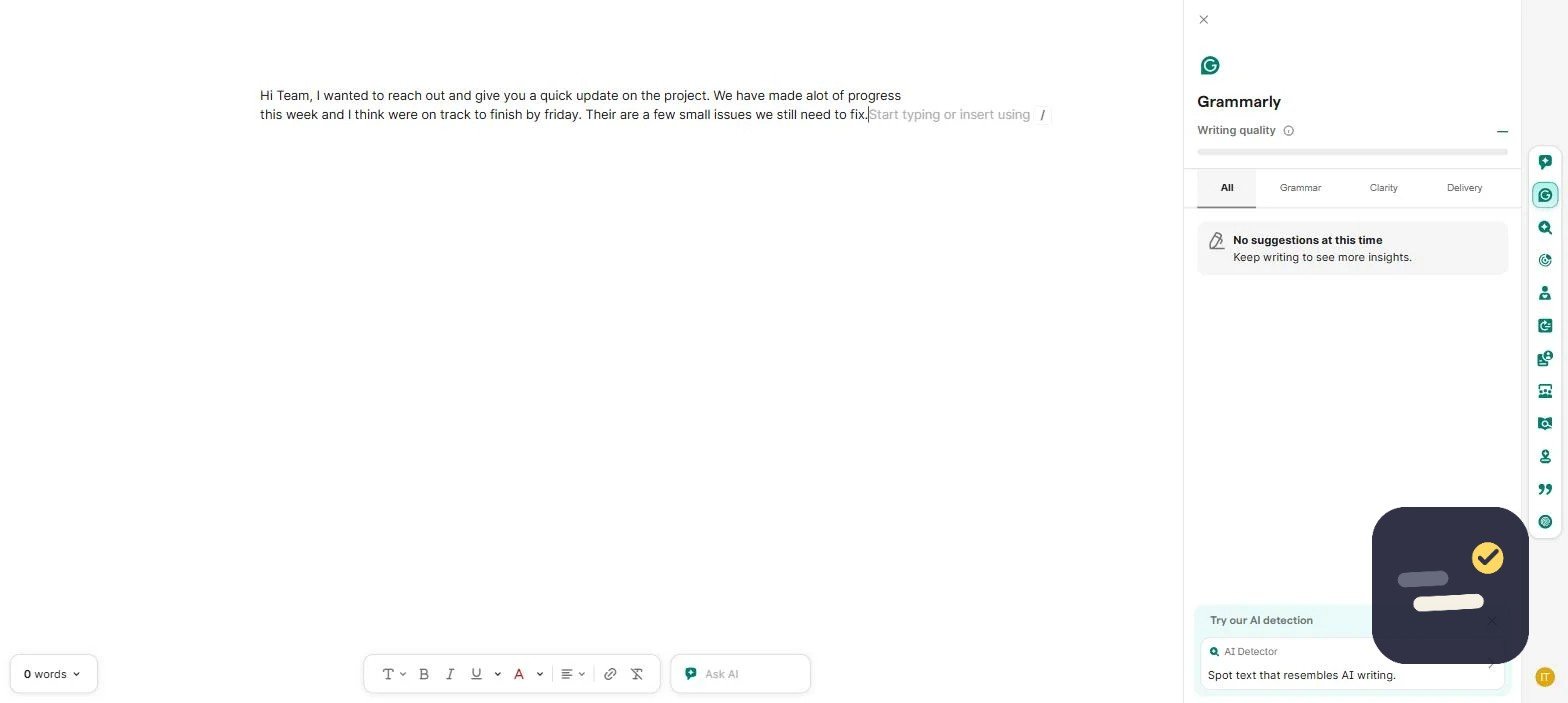
Pricing: Free tier is genuinely usable; Business is $15/member/month (annual).
How to Pick the Best Productivity Apps for Remote Teams
Start with task management and communication — ClickUp and Slack cover the daily coordination problem most remote teams feel first. Add Notion once documentation genuinely becomes a bottleneck, not before. Zapier and Grammarly are additive: bring them in only once you notice yourself doing the same manual task, or the same writing polish, every single week.
Frequently Asked Questions
What are the best free productivity apps for remote teams?
ClickUp, Slack, and Notion all have genuinely usable free tiers for small remote teams before you need to pay for anything.
How many tools does a remote team actually need?
Most small remote teams do well with 3-4 tools total: one for tasks, one for chat, one for docs, and automation added later once a real repetitive bottleneck appears.
Is Slack or Notion better for a remote team’s wiki?
Notion. Slack messages disappear into scrollback even on paid plans; Notion is built specifically for searchable, linked, long-term documentation.
If you are still narrowing things down, it helps to rank each candidate against the same short list: does it solve a real daily friction point, does the whole team actually adopt it within a week, and does the price still make sense once every seat is counted. The best productivity apps for remote teams tend to pass all three tests easily — tools that only pass one or two are usually the ones quietly abandoned a few months after signup. Revisit this list every couple of quarters, since pricing and feature sets on these tools shift often enough that last year’s pick is not always this year’s best fit.

Written by Ivan T.
Founder of StackToolsHQ. Writes hands-on reviews and comparisons of productivity and AI tools for freelancers, small teams, and remote workers. More about this site.