
Learning how to automate your daily tasks with AI doesn’t require coding skills or an engineering background — it requires picking the right two or three repetitive tasks first, and the right tool for each one. This guide covers exactly that, in order.
Table of Contents
Step 1: Find Your Real Bottleneck
Before touching any tool, track your week for a few days and note which task you do the same way, over and over, with no real decision-making involved — replying to the same three questions in emails, copying data from one app to another, drafting the same type of update. That repetition is exactly what AI and automation tools are built to remove.
The test that matters is frequency multiplied by sameness. A task you do once a month is rarely worth automating even if it is dull; a task you do six times a day in exactly the same way almost always is. Write down how many minutes each candidate takes and how often it happens — if the honest total is under fifteen minutes a week, leave it alone and pick the next one.
One warning about this step: the task that annoys you most is often not the task that costs you most. Irritation and frequency are different measurements, and automation pays off on the second one.
Step 2: Automate Writing and Communication First
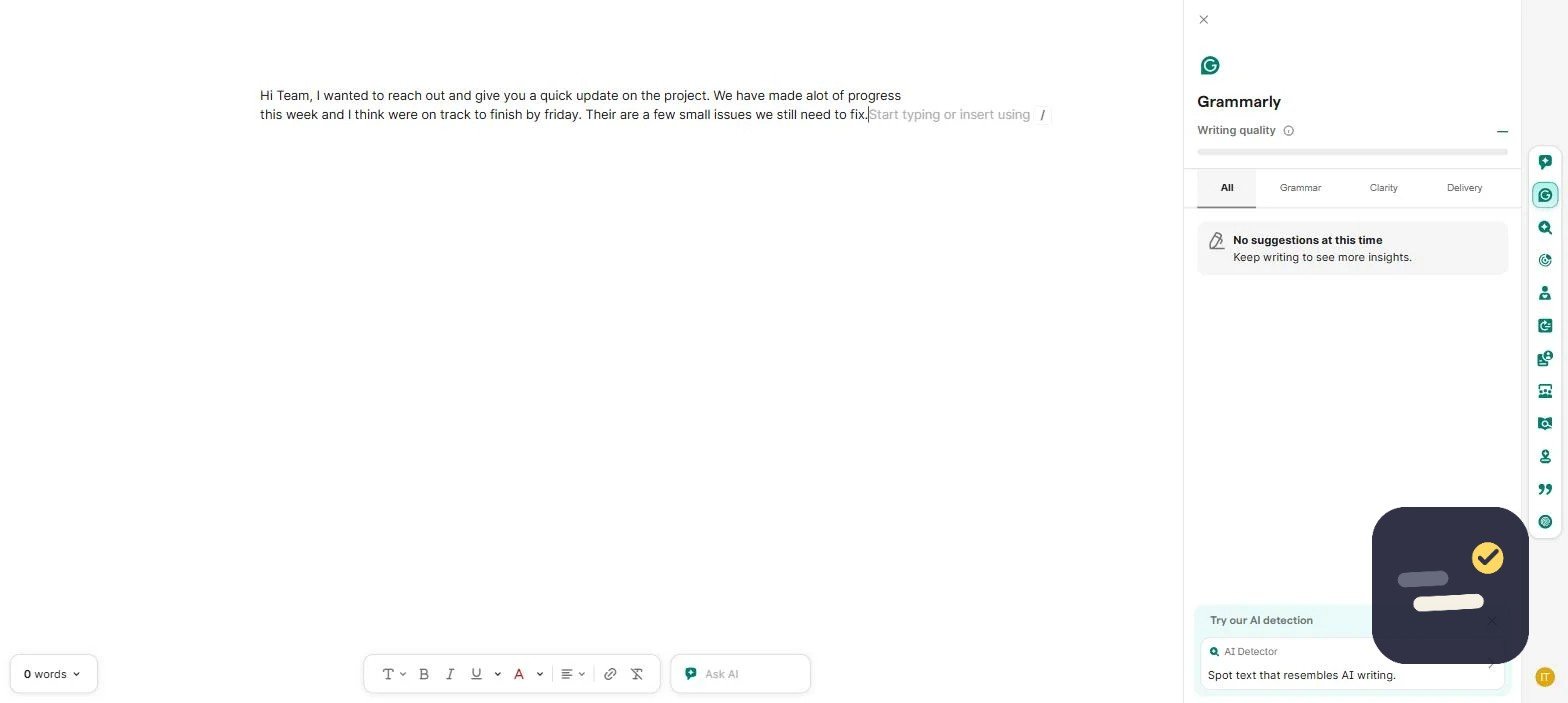
Writing tasks are usually the easiest starting point because the tools are mature and the risk is low. Grammarly can draft and polish routine emails directly where you already write. If your writing volume is genuinely high (marketing content, client proposals at scale), a dedicated tool like Jasper can take over full first drafts. See our Grammarly review and Jasper AI review for the details on each.
Start with a template rather than a blank prompt. If you write the same kind of message repeatedly — a status update, a decline, a follow-up — write one strong version by hand, then keep it somewhere you can reuse it and change only the specifics each time. Most of the benefit here comes from not rewriting the same structure, not from the AI itself.
Keep a human read on anything that leaves your account. AI-drafted email is fast and mostly fine, but it fails in a particular way: it sounds confident while getting a name, a number, or a commitment slightly wrong. A ten-second read before sending catches nearly all of it.
Step 3: Automate Task Handoffs Between Apps
Once you notice yourself manually copying information from one tool to another — a form submission that needs to become a task, a new client that needs to appear in three different places — this is where Zapier earns its keep. A single automation (“Zap”) can handle in seconds what used to take a manual copy-paste every time it happened. Our Zapier review covers exactly how this works and what it costs.
The vocabulary is simpler than it looks. Every automation has a trigger (the thing that starts it), an action (what happens next), and often a condition (a filter so it only runs when it should). “When a form is submitted, create a task, but only if the budget field is over a threshold” is a trigger, an action, and a condition — that is the whole model.
Build the first one with real but harmless data and watch it run twice before trusting it. The common failure is not that the automation breaks loudly; it is that it works on a slightly wrong assumption and quietly does the wrong thing forty times before anyone notices.
Step 4: Automate Organization and Follow-Ups
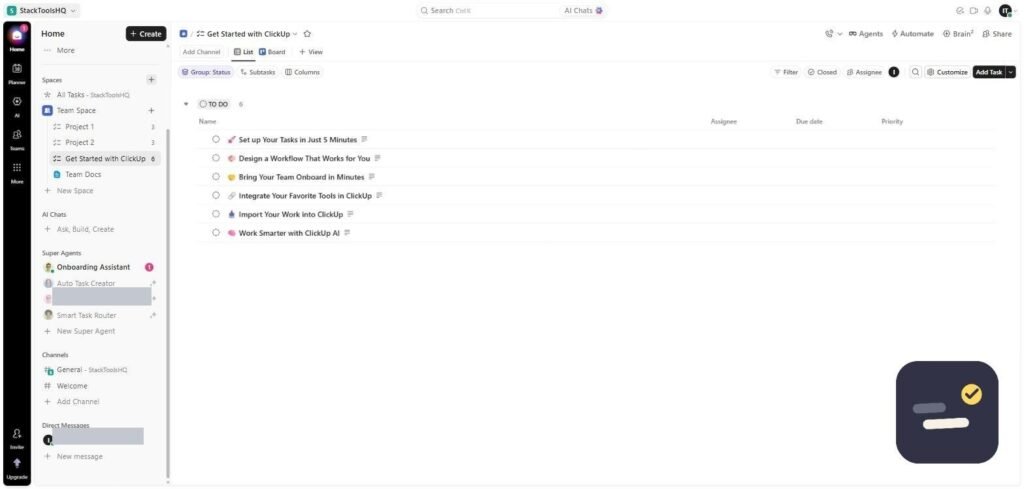
Task managers like ClickUp can automatically assign recurring tasks, move items between stages, and send reminders without you touching anything after the initial setup. This removes the mental overhead of remembering to follow up on things yourself. Read our full ClickUp review for setup specifics.
Recurring tasks are the cheapest win in this category and the most overlooked. If something happens every Monday, it should appear on its own every Monday rather than depend on you remembering. The same applies to stage changes: a task marked complete can move itself, notify someone, or spawn the follow-up task automatically.
What Not to Automate Yet With AI
Resist automating anything involving real judgment calls, sensitive client communication, or first-time processes you haven’t done manually enough to understand well. AI automation works best on tasks you already understand deeply — it removes repetition, not thinking. Automating something you don’t fully understand yourself usually creates more cleanup work than it saves.
There is also a maintenance cost that nobody mentions upfront. Every automation is a small thing that can break when a tool changes its interface, an account expires, or a field gets renamed. Ten automations you understand are worth far more than forty you have forgotten the logic of.
Which Type of Tool Does Which Job
“AI automation” covers three different categories of tool that get talked about as if they were one thing. Picking the wrong category is the most common reason a first attempt goes nowhere.
| Category | What it actually does | Typical use |
|---|---|---|
| AI writing assistants | Generate or improve text you would otherwise type | Drafting emails, polishing updates, first drafts |
| Automation platforms | Move data between apps when something happens | Form submission becomes a task; new client added in three places |
| Built-in tool automations | Rules inside an app you already use | Recurring tasks, stage changes, reminders |
| AI assistants inside tools | Answer questions about your own workspace | Finding a decision buried in old notes |
Most people should start in the third row, not the first. Automations built into a tool you already use need no new account, no integration, and no monthly cost — and they cover a surprising share of daily repetition.
A Realistic First Automation, Start to Finish
Here is what building one actually looks like, using the most common example: a form submission that needs to become a task.
- Pick the trigger. Something that already happens on its own — a form response, a new email with a specific label, a file added to a folder.
- Connect both accounts. This is usually the slowest part, and it is a one-time cost you do not pay again for later automations using the same apps.
- Map the fields. Decide which piece of incoming information becomes the task title, which becomes the description, and which becomes the due date.
- Add one condition. Almost every automation needs a filter so it does not fire on everything. Skip this and you learn why within a day.
- Test with real data. Submit the form yourself and watch what appears on the other side.
- Turn it on and check it twice. Come back after the second and fifth real runs, not just the first.
Budget an hour for the first one and roughly fifteen minutes for each one after that. The first is slow because you are learning the interface, not because the task is hard.
How to Tell If a Task Is Worth Automating
| Signal | Automate it | Leave it alone |
|---|---|---|
| Frequency | Several times a week or more | Monthly or less |
| Variation | Same steps every time | Steps change based on judgment |
| Consequence of an error | Easy to spot and undo | Quietly expensive to get wrong |
| Setup time vs time saved | Pays back within a month | Pays back in a year |
| Your understanding of it | You have done it manually many times | You have never done it manually |
That last row is the one worth taking seriously. Automating a process you have never performed by hand means encoding assumptions you have not tested — and you will not recognize the output as wrong, because you have no baseline to compare it against.
Mistakes That Waste the Most Time
- Automating everything in one weekend. Build one, live with it a week, then build the next. A dozen untested automations failing at once is nearly impossible to debug.
- Paying before proving. Free tiers are enough to confirm an automation is worth having. Upgrade after it has earned it, not before.
- Skipping the condition. An automation with no filter runs on everything, including the cases you never meant to include.
- Automating a broken process. If the manual version is disorganized, the automated version is disorganized and faster.
- Forgetting what you built. Six months later an automation misfires and nobody remembers why it exists. Note down what each one does and why.
What This Actually Costs
You can go a long way without paying anything. The honest picture, for one person automating their own work:
| Layer | Free tier reality | When you start paying |
|---|---|---|
| Built-in tool automations | Usually included on free plans, with a monthly run limit | High volume, or advanced rules |
| Automation platforms | Limited runs per month and single-step automations only | Multi-step automations, or higher run volume |
| AI writing assistants | Generous free tiers for everyday editing and short drafts | Long-form volume or brand-voice features |
| AI inside your tools | Almost always billed separately from the base plan | As soon as you want it at all |
The one to watch is the last row: AI features are usually an add-on stacked on top of a plan you are already paying for, not something included in it. Check that before assuming an upgrade covers it.
Frequently Asked Questions
Do I need to know how to code to automate tasks with AI?
No. Tools like Zapier, ClickUp, and Grammarly are built for no-code use — you configure them through menus and templates, not programming.
What’s the easiest task to automate first?
Writing and communication tasks are usually easiest to start with — the tools are mature, low-risk, and show results immediately.
How many tasks should I automate at once?
Start with one. Get it working reliably, then move to the next bottleneck rather than automating everything simultaneously.
What is the difference between AI and automation?
Automation follows rules you define: when this happens, do that. AI generates or interprets content — drafting text, summarizing, answering questions. Most useful setups combine them: an automation moves the data, AI handles the part that needs words written.
How long does it take to set up your first automation?
Around an hour for the first one, because most of that time goes to connecting accounts and learning the interface. Later automations using the same apps take roughly fifteen minutes each.
Can I automate daily tasks with AI for free?
For one person, largely yes. Automations built into tools you already use are typically included on free plans, automation platforms give you a limited number of runs per month, and AI writing assistants have usable free tiers. The costs arrive with volume and with multi-step automations.
For a broader look at how automation platforms are rated by real users, G2’s workflow automation category is worth a scan before picking a tool. Whichever platform you choose, the goal of learning to automate your daily tasks with AI is the same: remove repetition, not judgment — keep a human checking anything client-facing or high-stakes. If the term itself is new to you, start with what workflow automation actually means.

Written by Ivan T.
Founder of StackToolsHQ. Writes hands-on reviews and comparisons of productivity and AI tools for freelancers, small teams, and remote workers. More about this site.